Jewelry photography guide
How to Photograph Rings: Lighting, Focus and Composition
Rings are the piece most jewelry photographers start with and the one that teaches the most. A ring combines every problem in one small object: a curved, polished band that reflects everything around it, a stone that needs hard light to sparkle, and a depth of 20 millimeters or more that no macro lens can hold in focus in one frame. This guide walks through the way a professional ring image is built, from standing the ring up to the final merged file.
Standing the ring up
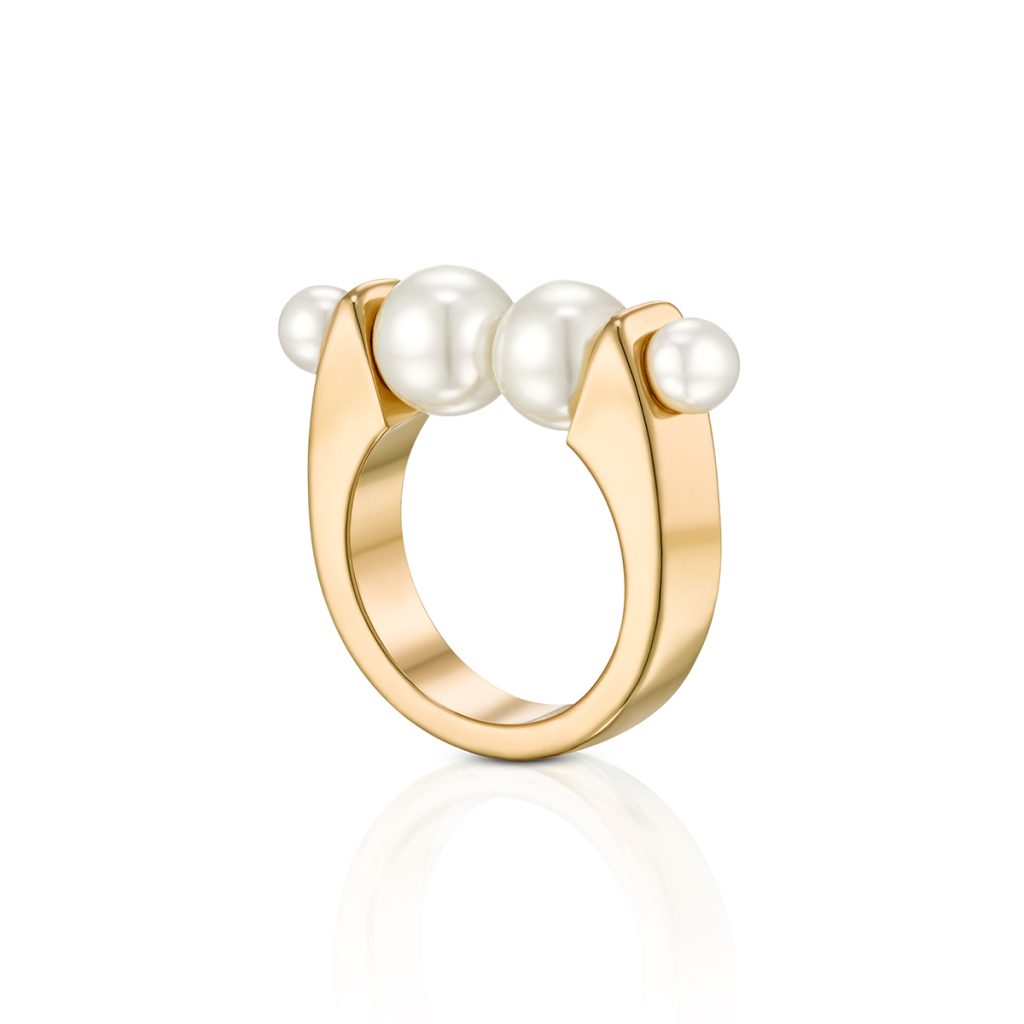
The standard catalog view shows the ring upright, slightly turned so the camera sees the top of the stone and the inside of the band at once. A ring will not stand on its own at that angle, so it is held with a small piece of museum wax or putty behind the band, hidden from the camera. The amount matters: too little and the ring drifts during a long capture, too much and the putty shows in the reflection on the surface.
The surface under the ring is part of the picture. White acrylic gives a soft, bright reflection that places the ring in space; black acrylic gives a dark mirror; a matte surface gives none. Decide this first, because the reflection has to be lit as carefully as the ring itself.
Lighting the band and the stone separately
A ring has two subjects that want opposite light. The band is polished metal: it looks best reflecting a large, diffused source with a gradient across it, so the metal reads as round. The stone is a set of facets: it looks best under small, hard sources that light some facets and leave others dark. The guide on lighting covers the first, the guide on diamonds the second; on a ring they happen at the same time.
In practice the diffusion panel goes above and slightly in front of the ring, lit from one side so the band shows a bright-to-dark roll. Black cards close to the band give its edges definition. A focused spot, aimed only at the stone from a steep angle, adds the sparkle. The order matters: light the metal first, then add the stone light, because the stone light will also hit the band and may need flagging.
Lenses, magnification and depth of field
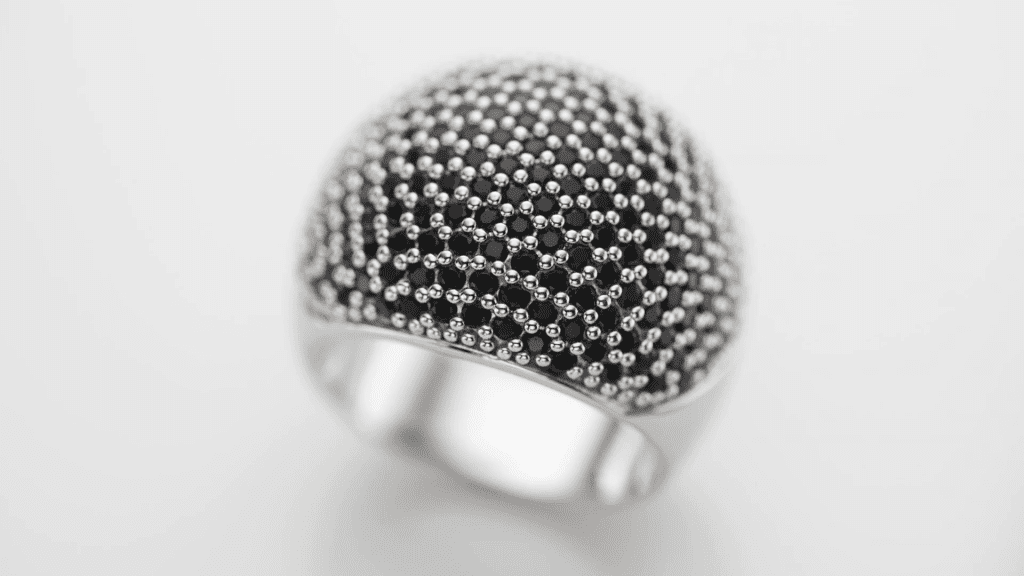
A ring fills the frame at roughly half life size to life size, which means a macro lens. At that magnification the depth of field at f/8 is only a few millimeters, so a single frame holds either the front of the band or the stone or the back of the band, never all three. Stopping down to f/22 does not solve it: diffraction softens the entire image, and the ring loses the crisp edges that make metal look like metal. The course covers both effects in its lens and camera chapters, and two free tutorials explain them: Controlling the Depth of Field and The Effects of Diffraction.
Keeping the whole ring sharp
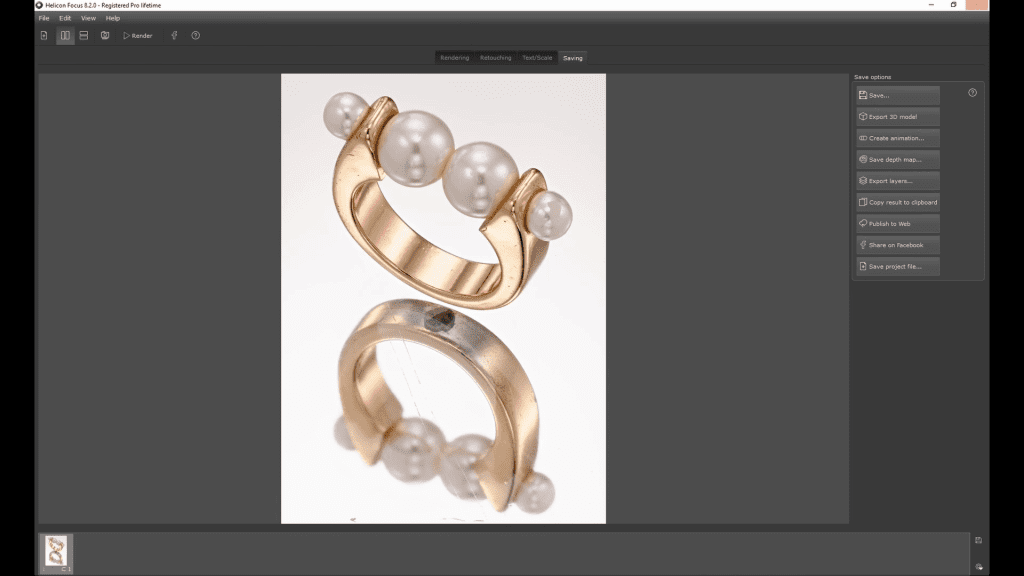
The professional solution is focus stacking: a series of frames at the lens’s sharpest aperture, each focused a little deeper into the ring, merged in software into one image that is sharp from the front pearl or prong to the back of the band. A ring typically needs 20 to 60 frames depending on magnification. The camera is tethered and never touched; focus moves in small, equal steps; the lights stay fixed. The merge is done in Helicon Focus, and the merged file goes on to retouching. The full method is in the Focus Stacking guide, and the complete lesson from the course is free to watch.
The standard views
- Upright three-quarter view: the catalog standard, showing the stone, the setting and the inside of the band.
- Top view: the stone and the shoulders, useful for halos and pave.
- Side profile: the height of the setting and the gallery under the stone.
- Angled close-up of the stone: the hero shot for advertising, usually with the band falling away into the gradient.
Each view needs its own lighting adjustment, because turning the ring changes what the band reflects. The usual workflow is to finish one view completely, including the focus stack, before touching the set for the next.
Common problems
- The camera or the lens shows as a dark spot in the band: move the camera slightly, shift a card, or accept it and remove it in retouching.
- The stone looks gray and lifeless: the stone light is too large or too close to the camera axis; use a smaller, harder source from a steeper angle.
- The band shows hot spots instead of a gradient: the source is too small; bring the diffuser closer so it reflects as a wide, even shape.
- The ring moved between stack frames: the putty was too soft or the floor vibrated; reshoot the stack.
- Dust on the stone: clean with a blower and brush before every stack; every speck is enlarged at macro scale.
See the whole ring workflow
The Photographing Rings lesson in Mastering Jewelry Photography is an 18-minute practical lesson on a real ring, with the stack rendered in Helicon Focus, followed by three Ring Retouching lessons in Photoshop. The course covers the full workflow in 49 lessons across 12 chapters, from lenses and lighting theory to the retouching of rings, bracelets, earrings and necklaces. One-time payment of $99, lifetime access.
Related guides
- Focus Stacking for Jewelry Photography: Full Guide: keeping a whole piece sharp from front to back
- How to Photograph Jewelry: Professional Lighting Techniques: the principles behind every setup
- How to Photograph Diamonds: lighting for brilliance, fire and scintillation
- Choosing a Lens for Jewelry Photography: macro, focal length and sharpness
About the author
Ivan Moshe is a commercial photographer and high-end retoucher who has photographed products for the advertising industry for more than 15 years, from his studio in Tel Aviv’s Diamond District. He was selected for Lürzer’s Archive 200 Best Ad Photographers Worldwide in 2021/22 and 2023/24, and he teaches Mastering Jewelry Photography, the online course these guides are drawn from.