Jewelry photography guide
How to Photograph Necklaces for E-commerce and Advertising
A necklace is the largest piece most jewelry photographers handle and the hardest to keep under control. A chain has hundreds of small reflective links that each catch light differently, a pendant that needs its own treatment, and a shape that depends entirely on how it is arranged. The catalog image and the advertising image are built in different ways. This guide covers both, from laying out the chain to the final retouched file.
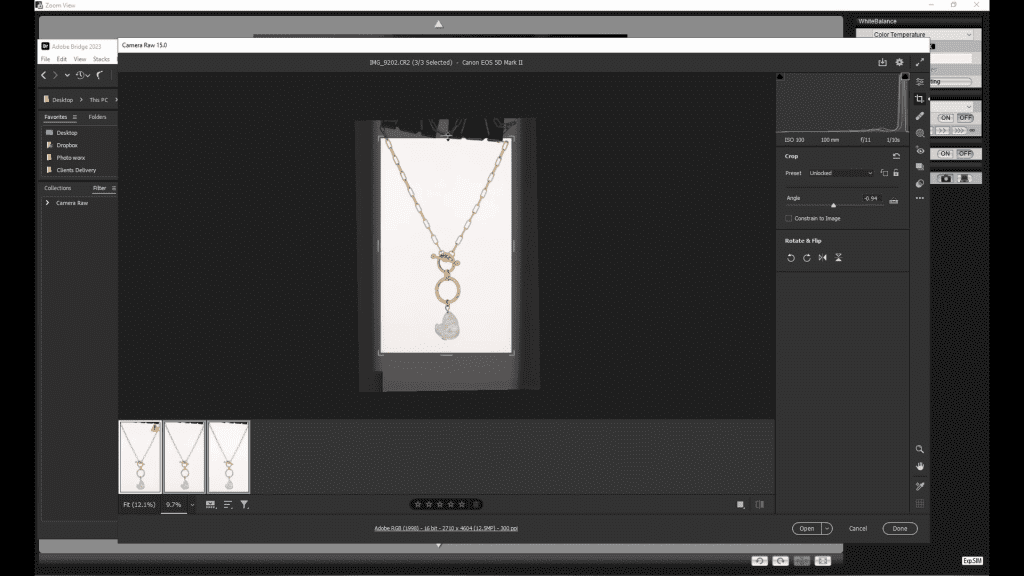
Hanging or flat
There are two standard layouts. The hanging view shows the necklace as it is worn: suspended from a bar or a form, the chain falling in a natural V or U and the pendant at the bottom. It is the e-commerce standard for chains and pendants because the shape reads instantly. The flat layout places the necklace on a surface, arranged in a curve or a loop, photographed from above or at an angle. It suits heavy pieces, collars and statement necklaces that would not hang cleanly, and it gives the photographer control over every link.
The hanging view needs a support that will be removed in retouching: a thin bar, a wire or a transparent form behind the top of the chain. The flat view needs a surface that is part of the image, so its tone and texture are chosen deliberately.
Shaping the chain
The chain is the picture. A chain that twists shows a different face on every link and reads as messy; a chain that lies flat shows a consistent surface. Before any light is set, each section of the chain is turned so its links face the camera, kinks are worked out, and the curve is adjusted until it is symmetrical. On a hanging necklace this means adjusting the two sides until they match; on a flat layout it means building the curve link by link, often with a fine tool.
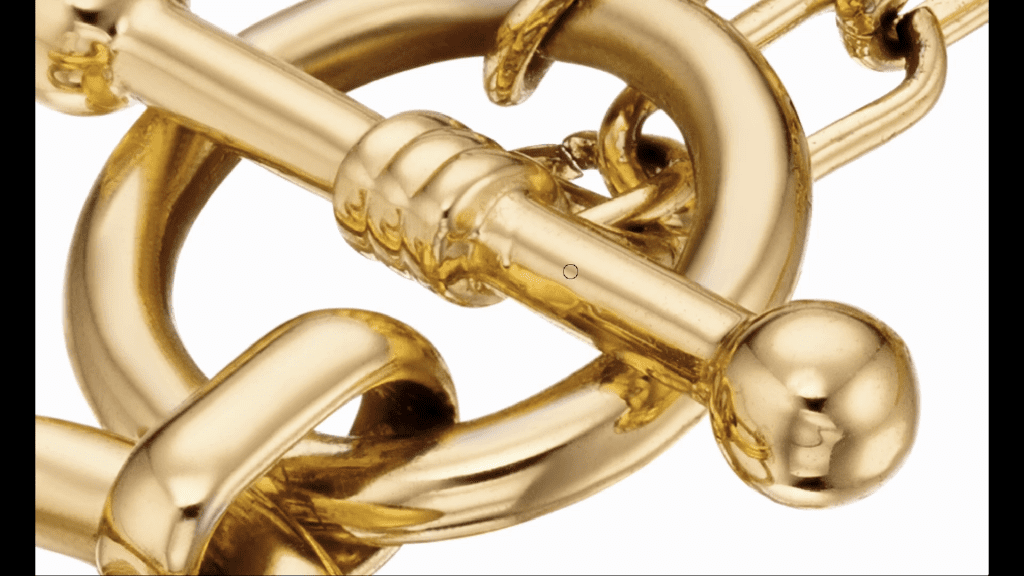
The clasp is either hidden at the back or shown deliberately. For catalog work it is often photographed separately as a detail, because customers want to see it and it is small enough to disappear in the full view.
Lighting a long piece
A necklace is long in one direction, so a small light source falls off across it: the links near the source are bright, the links at the far end dark. The solution is a large diffused source that covers the whole piece at an even distance, usually a panel above and in front of the necklace, as described in the guide on lighting. Gradients still matter: the panel is lit so that the links show a bright-to-dark roll across their curved surfaces rather than a flat white reflection.
Black cards along the sides of the set give the links dark edges, which is what makes a chain look three-dimensional rather than like a flat ribbon. The pendant is then lit as its own object: a stone gets a small hard source for sparkle, a pearl gets soft light, and both are flagged so the extra light does not spill onto the chain.
Keeping everything sharp
In the hanging view the chain is close to one plane and a moderate aperture holds it in focus. The pendant and the clasp are photographed closer, and at that magnification depth of field runs out; those details are captured as focus stacks, as described in the Focus Stacking guide. In the flat layout photographed at an angle, the near and far sections of the curve are at different distances, and a stack is usually needed for the whole piece.
Retouching a necklace
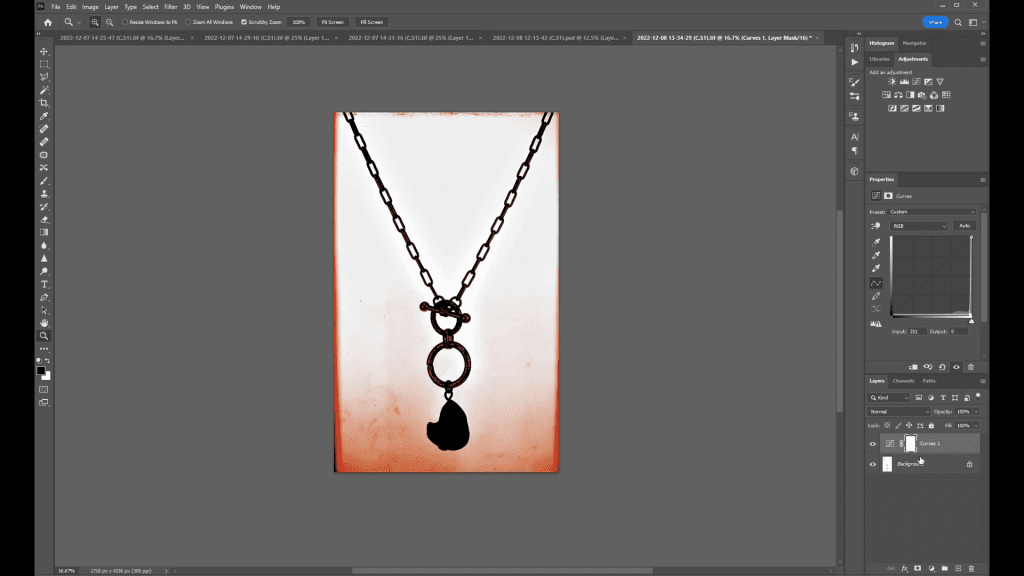
The course gives necklace retouching two lessons. The work is different from a ring. The support behind the top of the chain is removed. Individual links that caught a hot spot or turned the wrong way are corrected. The chain is checked for symmetry and nudged where the set was not perfect. The pendant, often captured as a separate stack, is finished to the same standard as a ring. Finally the piece is placed on its background: pure white for e-commerce, or the gradient, color or texture that the advertising brief calls for.
Common problems
- The two sides of a hanging chain do not match: adjust the support points, not the chain; a millimeter at the top moves the pendant noticeably.
- Links at one end are darker than the other: the source is too small or too close to one end; use a larger panel at an even distance.
- The chain looks flat and silver-white: there are no dark edges; add black cards along the sides.
- The pendant sparkles but the chain is blown out: the stone light is spilling; flag it to the pendant only.
- The support shows through the chain: use a thinner support or move it behind a section of the chain that will be retouched anyway.
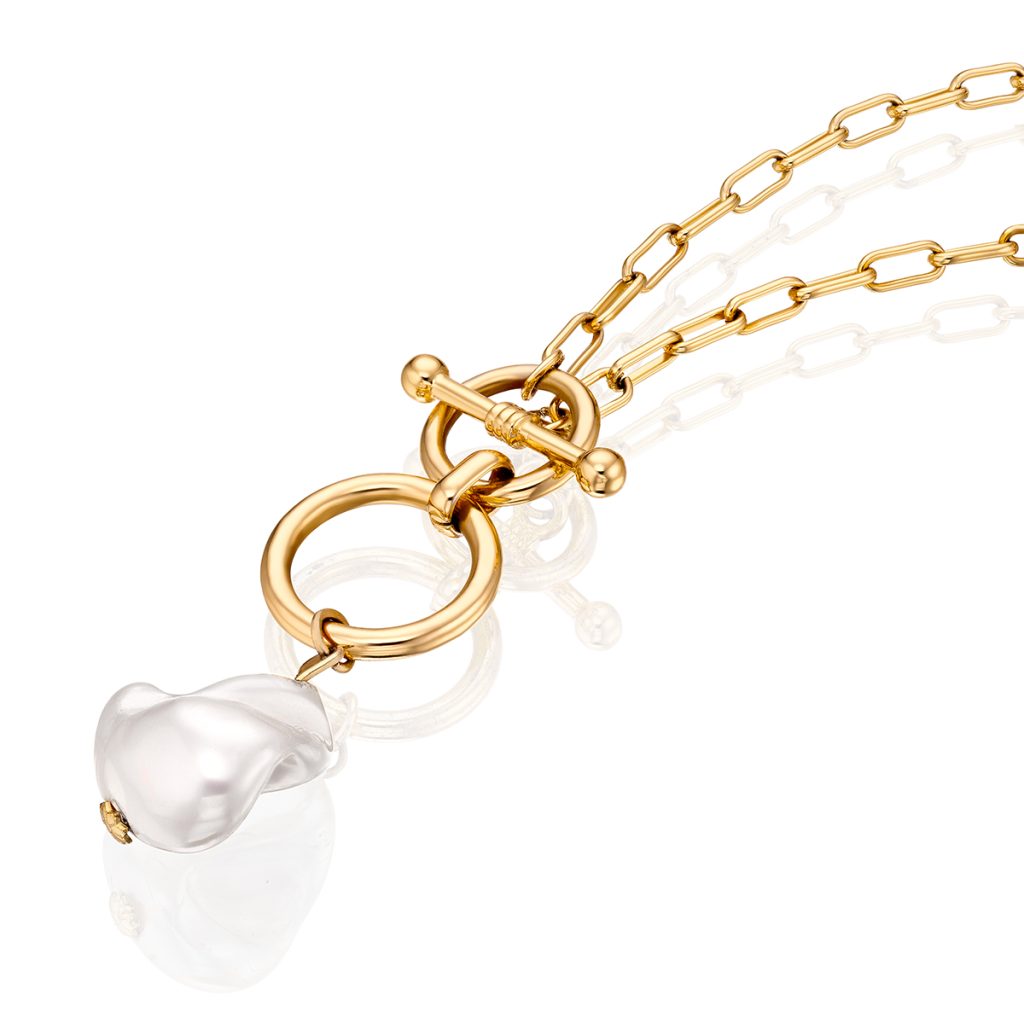
See a necklace photographed from start to finish
Mastering Jewelry Photography includes a 15-minute practical lesson on photographing necklaces and two lessons on necklace retouching, inside a 49-lesson course that also covers lenses, camera, lighting theory, grip equipment, tethered shooting, focus stacking, rings, bracelets and earrings, and the complete Photoshop workflow. One-time payment of $99, lifetime access.
Related guides
- How to Photograph Jewelry: Professional Lighting Techniques: the principles behind every setup
- How to Photograph Bracelets: standing, flat-lay and product views
- Focus Stacking for Jewelry Photography: Full Guide: keeping a whole piece sharp from front to back
- Jewelry Retouching in Photoshop: A Professional Workflow: from selections to sharpening
About the author
Ivan Moshe is a commercial photographer and high-end retoucher who has photographed products for the advertising industry for more than 15 years, from his studio in Tel Aviv’s Diamond District. He was selected for Lürzer’s Archive 200 Best Ad Photographers Worldwide in 2021/22 and 2023/24, and he teaches Mastering Jewelry Photography, the online course these guides are drawn from.