Jewelry photography guide
Changing Jewelry Metal Colors in Photoshop Without Losing Realism
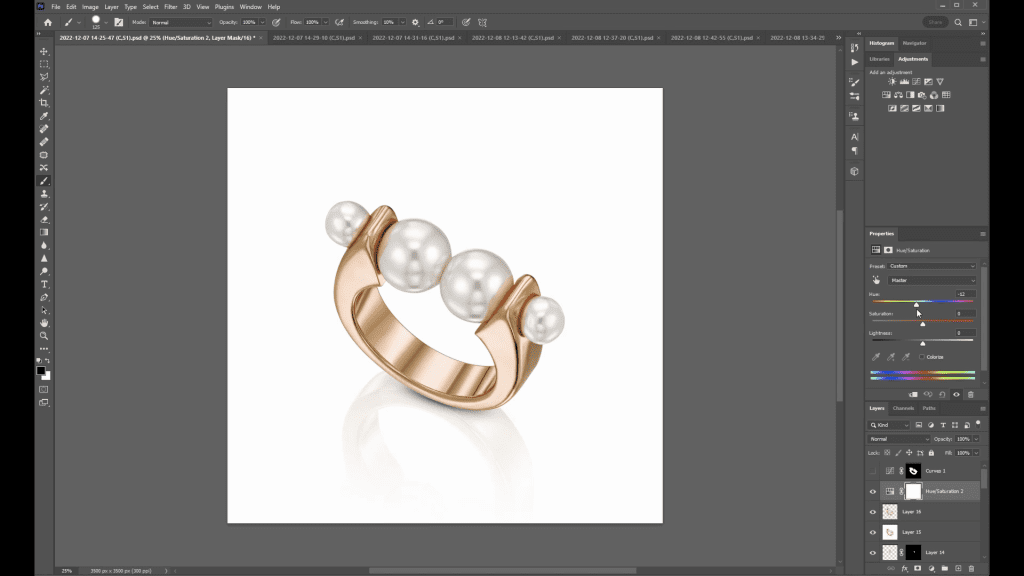
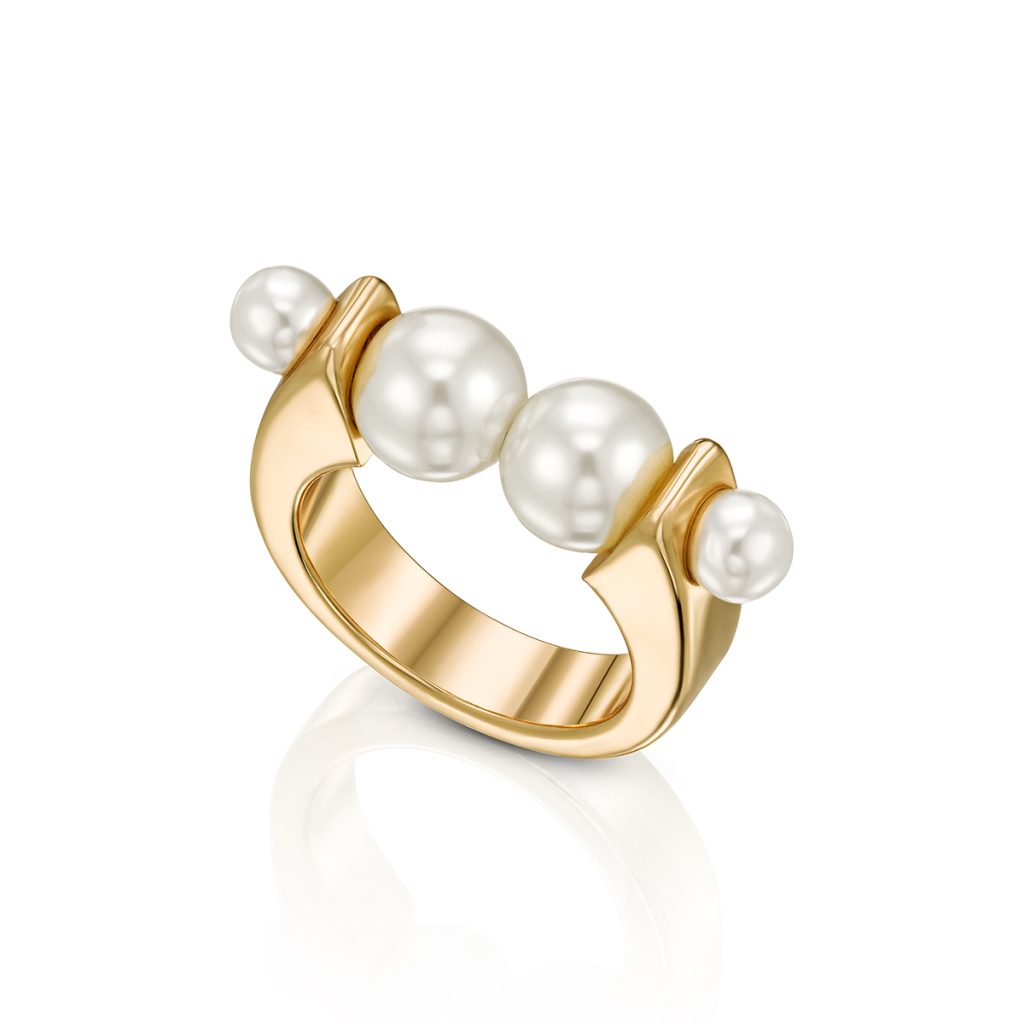
A ring sold in yellow, rose and white gold is usually photographed once. The other colors are made in Photoshop, and done well they are indistinguishable from a second shoot; done badly they look like a tinted photograph. The difference is understanding what gives metal its look: not its color but its gradients and reflections, which must survive the change untouched. This guide explains the professional approach that the course demonstrates in its Changing Colors lesson, on the same pearl ring shown below.
What must not change
Metal reads as metal because of three things: the gradient from bright to dark across each curved surface, the sharp dark edges where black cards were reflected, and the specular highlights where the light source itself is mirrored. All three are tonal, not chromatic. A color change that touches them, by brightening the whole band to make it look like white gold or darkening it to deepen rose gold, destroys the very thing that made the capture convincing. The working rule is therefore: change hue and saturation, protect luminosity.
Step 1: isolate the metal
Only the metal changes. Pearls, diamonds, colored stones and enamel keep their own color, so the first step is a mask that covers the metal and nothing else. A path-based selection, the same one used to cut the piece from its background, is refined to exclude every stone and pearl, including the small reflections of metal inside a pearl or facet, which should shift with the metal. The mask is saved, because it will be used by every adjustment that follows and by every future color variant.
Step 2: shift the hue, not the tone
Adjustment layers do the work, masked to the metal. Hue/Saturation shifts yellow gold toward red for rose gold, or removes most of the saturation for white metals. Selective Color refines the result by adjusting the cyan, magenta and yellow balance inside the yellows and reds alone. Curves applied per channel can fine-tune the cast. In every case the adjustment layer is set to a blend mode or a range that leaves luminosity alone, so the gradient from the diffusion panel and the dark edges from the cards are exactly as they were.
Rose gold is the easiest variant: a modest hue shift toward red and a small drop in saturation. White gold and platinum are harder, because removing color exposes any unevenness in the original gradients and because white metal is not neutral gray: it carries a faint cool or warm tint depending on the alloy and the plating. Yellow gold from a white metal capture is the hardest direction, since color has to be added to surfaces that have none, and the result depends entirely on how clean the original tones were.
Step 3: reflections and shadows
Everything that reflects the metal has to change with it. The reflection of the ring in the surface beneath it, the warm glow the band throws onto a pearl, and the color that bleeds into a shadow on a white background all carry the metal’s color. Leaving them yellow under a rose gold ring is the most common giveaway of a careless color change. These areas are included in the mask at reduced opacity so they shift partway, matching how a real reflection carries less saturation than the surface it reflects.
Step 4: check against reality
The target is not a color that looks right; it is the color of the real alloy. A physical sample of the metal, or a correctly photographed piece in that color, is kept on screen beside the retouch and compared on a calibrated monitor. Clients and manufacturers have precise expectations of their rose gold or their white gold, and a convincing but wrong tint is still wrong. The guide on monitor calibration explains why this comparison is meaningless on an uncalibrated screen.
Common problems
- The metal looks painted: luminosity was changed along with hue; redo the adjustment so only color moves.
- Pearls or stones took on the new color: the mask includes them; refine it, but keep the small metal reflections inside them.
- The reflection on the surface is still the old color: extend the mask into the reflection and shadow at partial opacity.
- White gold looks like gray plastic: the original gradients were weak; this is a lighting problem, and the capture needs a stronger gradient before it can carry a white metal version.
- The variant does not match the client’s sample: compare on a calibrated screen against the real alloy, not against memory.
See the Changing Colors lesson
The Changing Colors lesson closes the Jewelry Retouching chapter of Mastering Jewelry Photography, after nine lessons that retouch real rings, bracelets, earrings and necklaces from merged capture to finished file. The course covers the whole workflow that makes a clean color change possible, from lighting the gradients on set to the Photoshop foundations of selections, layers and adjustment layers. 49 lessons across 12 chapters, one-time payment of $99, lifetime access.
Related guides
- Jewelry Retouching in Photoshop: A Professional Workflow: from selections to sharpening
- How to Calibrate Your Monitor for Jewelry Photo Editing: white point, brightness and profiles
- How to Photograph Jewelry: Professional Lighting Techniques: the principles behind every setup
About the author
Ivan Moshe is a commercial photographer and high-end retoucher who has photographed products for the advertising industry for more than 15 years, from his studio in Tel Aviv’s Diamond District. He was selected for Lürzer’s Archive 200 Best Ad Photographers Worldwide in 2021/22 and 2023/24, and he teaches Mastering Jewelry Photography, the online course these guides are drawn from.